Showing posts with label Free Stuff. Show all posts

Thursday, April 06, 2017

Free Food!


The past several days have been rainy and gloomy, but this morning the sun came out!
So with some time on my hands, I'm going to go foraging for some free food.

The stinging nettles pictured above are helping themselves to my veggie garden spot. I've always battled these plants in the garden. But in early spring they are very tasty. Once steamed they have absolutely no sting. Nettle Tea is supposed to be very good for you.
I won't go into all the health benefits, most people will turn their noses up at Nettle Tea.

Nettles as fresh veggies are another great spring benefit. Once cooked or steamed you can eat them with a dab of butter. Don't think of them as nasty weeds, think of them as free food.

I like digging up leeks or wild ramps too. They are a wild onion. I'm going to dehydrate the extras this year to use in soups and stews this winter.

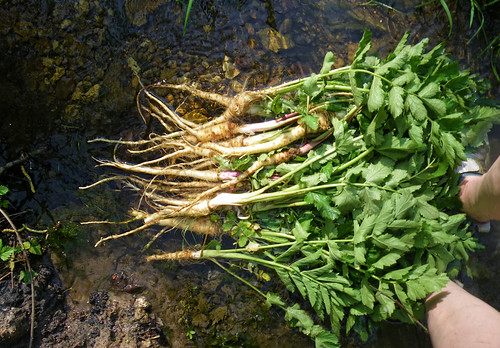
And today I'm going to wander around in the creek bottom and search for wild parsnips.

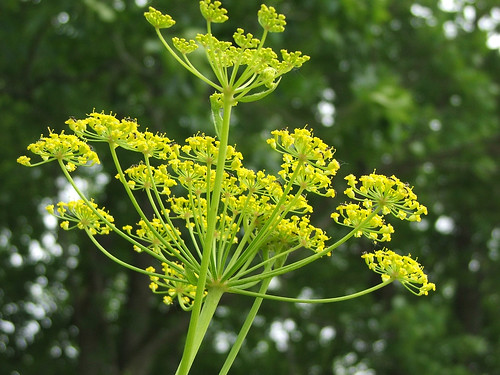
These are those nasty plants that cause burns when they are flowering.

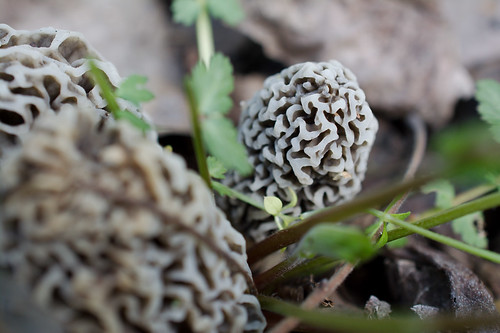
Of course there is another free food that will come with the nice spring weather but Morel Mushrooms won't be out for at least a month or so yet.

Lamb's Quarters will show up around my birthday and I can't wait for a taste of those either.

Foraging is a lot of fun and if you know what you are doing, you can get grab some free food along with your exercise!

Saturday, November 26, 2016

Things I am learning about Still Life Photography


I really thought I disliked Still Life photography.
In fact I knew that I did not like it.
I would be terrible at it. I'd suck at it.
I wouldn't know what to do with it.
I didn't have the patience for it.
I didn't have the cameras for it.
I liked the outdoors, I was a nature person...

However. When the bleak November skies are dreary. Sometimes a bit of indoor photography is a good alternative.

I don't know what I'll do with some of these shots, but they were fun to 'make'.

I set white painted boards down, and tossed some scrap clothes along with beads, fake jewelry, and a doily that I picked up at the Flea Market. I used a page from my grandmother's daily diary and an old photo of my father in law and his family taken...well, when he was little.

Elliott's book keeps finding its way into my photos. I find the entries pretty interesting.

Then of course, I have to do a bit of silliness.
An old wooden crate, some toy soldiers my youngest son left years ago, and toy dinosaurs.

The real challenge would have been to get them all in focus with some focus stacking.

Then I went back to a favorite of mine that had been packed away for nearly a year. The salt and pepper shaker donkey.


I used a bit of High Key style editing and was pleased.

There is a strange side effect to doing Still Life. You find yourself looking at a scrape of ribbon or cloth and wondering if it would look good in a shot. So you save it.
You find a coffee cup at the flea market with chips and cracks and think, "Wow, this would look neat if I..." and you purchase it with other pieces of "junk".

Slowly your collection of stuff accumulates.
An old lace table cloth.
Ribbons.
Toys.
Cups not fit for drinking out of, and some that are.
Glass bits.
Fake jewelry.
White boards.
Crates. Wood chunks.

Your husband wanders by and watches you set up a tea party with stuffed animals and shakes his head as he walks by.
He is sure that you are certifiably nuts.


And perhaps you are.
Nuts over Still Life.


Thursday, October 20, 2016

Just Picture it!


OH I know ... I know!
I ranted about editing just a bit ago, saying take that shot, make it perfect, be...a true perfectionist.
However.
Here is a sample of a before [above] and after editing [below]. I used a graduated filter in PaintShopProX7 to give the sky a bit more of a punch and the water a bit more blue.
The shot below is what is looked like to me in my mind's eye.


I like to change things up and sometimes when I take a fall or winter photo all the colors just seem wrong.
What I see in my eyes is not what the camera shows me no matter how hard I work at it.

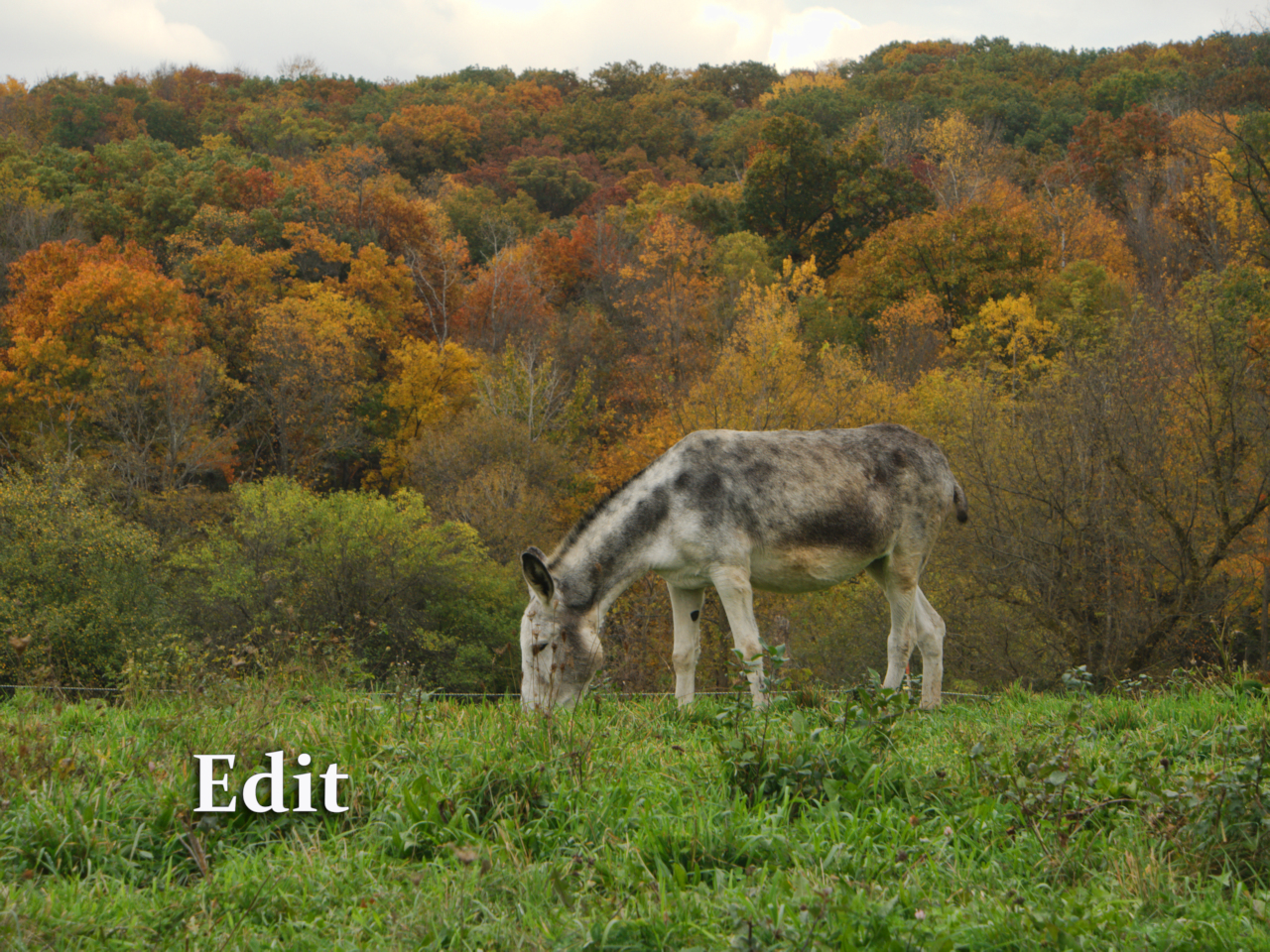
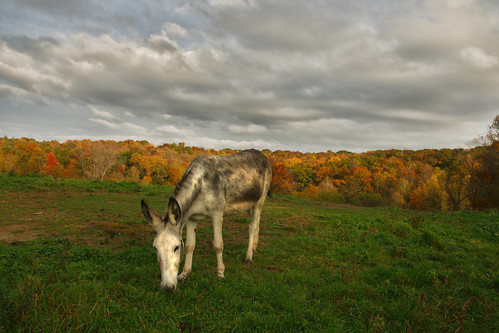
For example, I was out in the pasture the two days ago and the lighting was subdued but the colors were absolutely brilliant.


There is not much difference between the Original here and the edit. Just enough added warmth added in Viveza 2, from the Nik Collection. [The Nik Collection is free for download now as they are not developing it any further.]


More of a difference here. The yellows are more defined without the saturation becoming too offensive. This is more how my 'eyes' saw it. However, my camera is set to 'natural' and doesn't 'up' the saturation. There are settings on most cameras that allow you to take jpegs on a more colorful setting.


Here is two of our elderly donkeys. On the left is Princess and on the right is Emma.

I took this shot into ON1, a program that is now my favorite.
I took a bit of liberty with how I wanted this image to brighten up.


And then there was Julie...she was kind enough to pose again.


I thought the clouds and the skies were fantastic and needed to be brought out in the photo.


For this edit, I used PaintShopProX7 and Topaz Adjust 5. I edited the sky and the foreground separately.

And then one more edit. Julie's colors seem dim in this shot now. So I went back and did a bit of dodging on her body...


I do edit. I like to keep it somewhat realistic unless I am going for something completely odd and fun.

There you go. Fall color edits with donkeys as my star models.

Tuesday, October 11, 2016

Free Stuff, Fotosketcher

Once in a while I get the itch to do something a bit different with my photos. 
I've tried all sorts of painting programs and figured out rather quickly that I don't have the talent to paint with a Wacom Tablet nor do I have the skill to use a mouse...or even a touch screen.

I've tried Topaz's Paint program called Topaz Impression.
Either I didn't have the patience or just didn't spend the time, but after a few days I uninstalled my trial version. I don't 'paint' enough to spend $99.99 for the program.
However I have seen some incredible work come from other folks.
It just wasn't a good fit with me.

I also tried a program from Media Chance called Dynamic Auto Painting. Now this program I adored. I could paint in different layers and erase portions while still in the program.

I messed around with the free trail and liked it so much I nearly plunked down the $99 for the software.

But I didn't. 

Frankly, I don't find photos that would fit 'painting' in my mind often enough to actually use the programs.
Someone on G+ suggested a program called Fotosketcher. Well why not, it was free.
The first time I tried it, I wasn't impressed. Then I started to change the type of photos that I might consider for 'digital program painting'. I have to give the program the credit, I only pick how the program is going to do it.
Then I sit back and let the engines churn.

Photo:
Painted:

Photo:

Painted:


Photo:


Painted:


Personally I like this one I think the best.

I spent a few moments at the website and read a helpful tutorial of how to combine two paintings into one.
I did that with this photo:


It is different. I combined a pencil drawing and a oil painting. Not sure if this would be a good sample. But it wasn't very hard to do.

I found that some still life really worked well. I added texture over the 'painting' afterwards in PSPX7.

Last note. Be prepared to wait for a while during the time the program is painting.

This is pretty basic as all the other programs I've tried are pretty much the same.
I also have Corel Essentials 5. If I am able to figure out how to properly use it, I'll review it.
I guess it is time to go to YouTube and see if I can find some instructions as Corel made their help section as clear as mud.