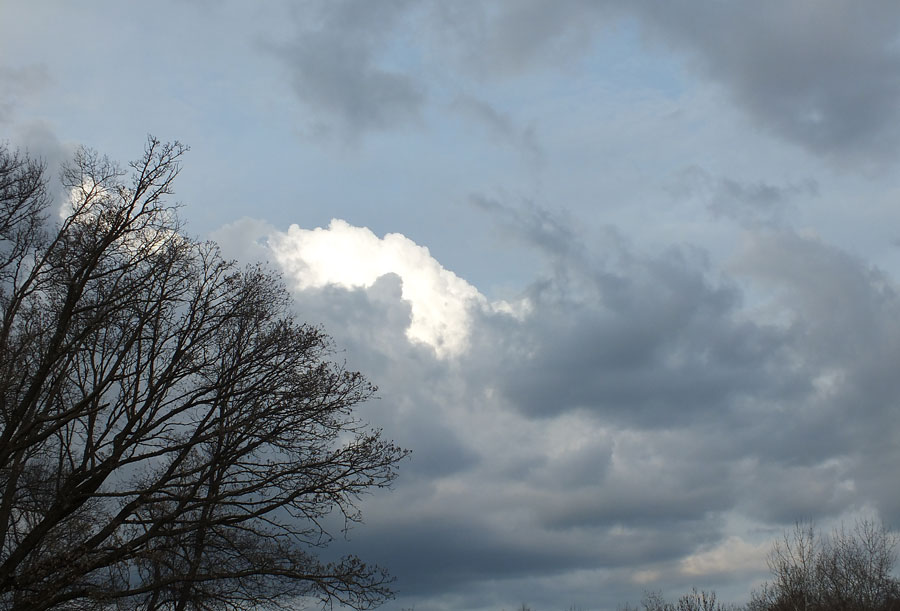
[f7.1, ISO 100, 10" exposure]
I went for a walk yesterday and the fall colors were beginning their blaze of glory.I started up my driveway and looked at the trees and the sunlight.
I wondered exactly what would happen if I used the Hoya Infrared R72 filter I'd gotten.
I processed the shot in Corel AfterShotPro and it really didn't look very impressive, it looked flat. I could have edited the Histogram and gotten a bit more depth, but I thought I'd try Topaz Adjust 5.

That ended up being a bit more like it. White foliage [which was actually yellow] and nice contrasts to the tree trunks and shadows.
I used some of the presets in the Toned portion of the plugin and played around with the sliders.
I was using an old camera and actually not following all the 'rules' out there on the 'how to' sites for using an IR filter.
I had to deal with a longer exposure to bring out the light and dark in the heavy canopied forest so there was some movement in the ferns and leaves in this shot.

[f5.6, ISO 100, 13"]
I used the 'pink' toned filter for this one and had to adjust the details. I just felt it looked prettier with the fallen leaves a bit soft.
[f7.1, ISO 100, 4"]
With this driveway shot I went for the sunlit highlights. Where the sun shined and reflected, the color was nearly white. 
[f7.1, ISO 100, 5"]
I wanted a 'cool' effect for this shot. Finally, I had white leaves and the sunlight coming across the tops of the trees in the distance. The sunflowers in the garden with their drooping heads were bright white. The blobs in the distance are mules feeding.
I don't think this is a fantastically composed shot, but I do like how it came out.
And my favorite of today on my trip to a county park was the following.

[f10, ISO 100, 10"]
I don't even mind the sun flare on the lens in this shot.However this was spectacular in color and deserved to be shown off as such.